
安装飞书 CLI
AI模型很聪明,但不等于有用,飞书CLI同时解决两个问题:给
Agent context,也给它“手”
Context:读取飞书上沉淀的所有工作信息——即时消息、云文档、电子表格、多维表格、日历、妙记、邮箱、知识库、任务、通讯录- 手(操作):直接创建文档、发送消息、建多维表格、约会议、搜索知识库、处理邮件
告诉你的Hermes机器人帮你安装
bash
请帮我安装飞书CLI:https://github.com/larksuite/cli然后安装完成之后在终端授权
bash
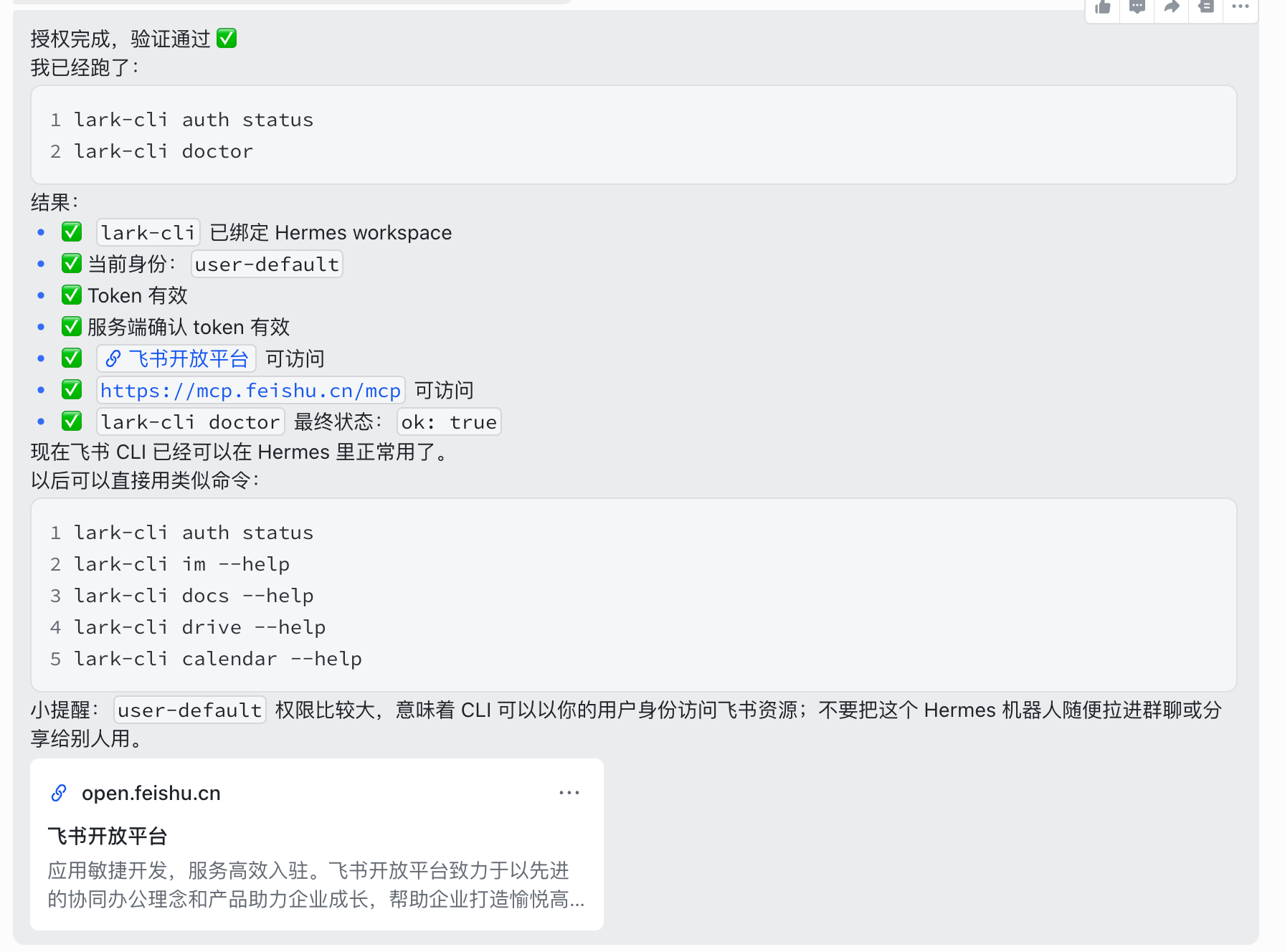
lark-cli auth loginlark-cli doctor 提示下一步可以绑定当前 Hermes/飞书环境,但这个操作需要你确认身份策略,不能我直接默认执行:
- *bot-only*:只用机器人身份,更安全,但不能访问你的个人日历、邮箱、云文档等个人资源
- *user-default*:允许用户身份,功能更完整,可以访问个人资源,但权限更大
如果你要继续配置,我建议默认选:
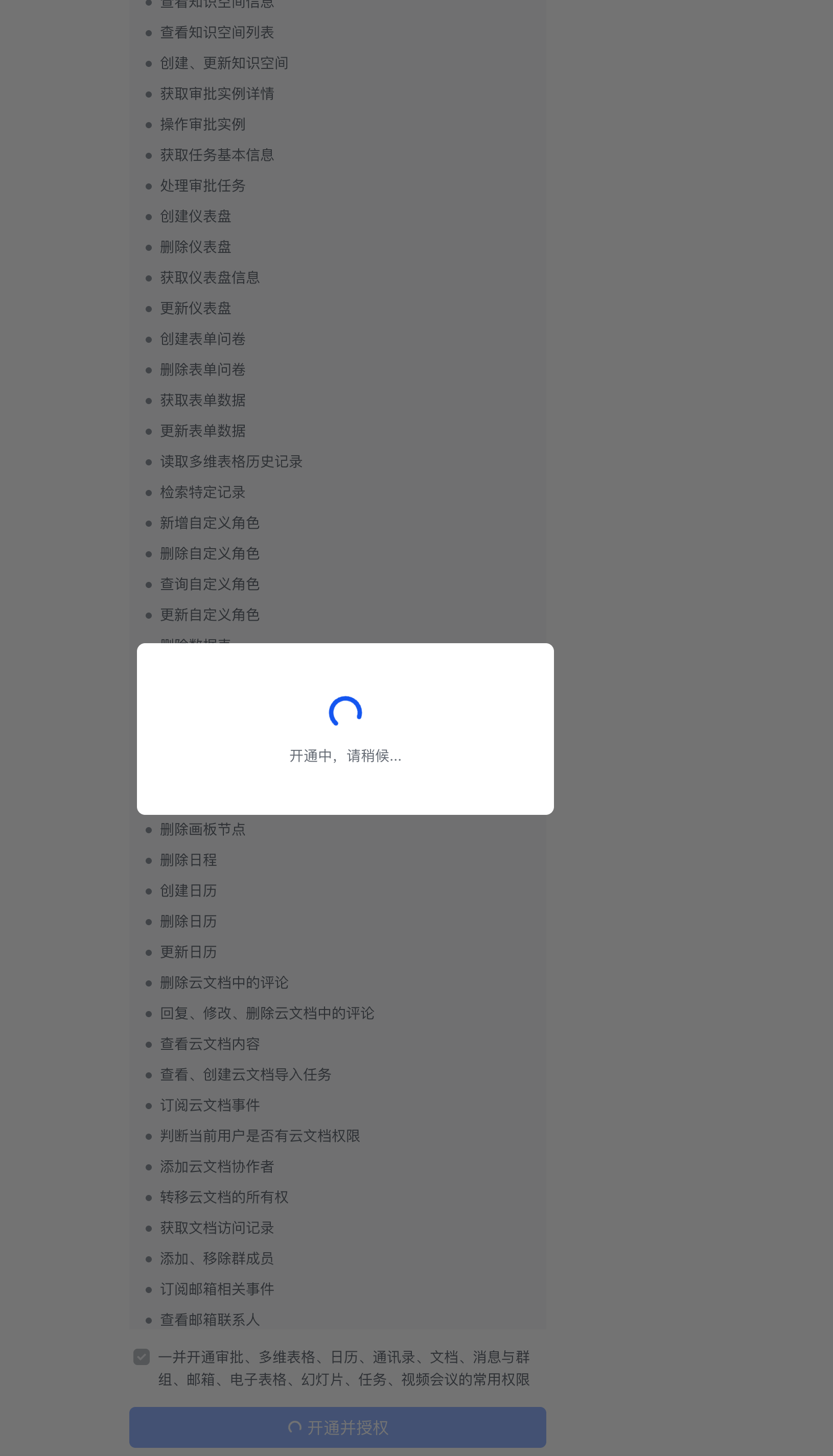
bot-only下面,它会给你一个授权的链接,点击去勾选授权即可。
深层次使用
飞书官方文档:https://www.feishu.cn/content/article/7628541877674953666
如何安全使用 Herms
隔离工作目录
限制
Hermes只能在特定的工作区操作,不接触机密文件
1. 创建工作目录
bash
mkdir -p ~/hermes-workspace/{projects,temp,downloads,notes}2. 在Hermes 里面配置限制 cwd
bash
hermes config set terminal.cwd ~/hermes-workspace3. 配置环境变量隔离
危险
~/.hermes/.env中不要放机密
禁用敏感工具+内存清理
bash
# 1. 禁用可能泄露信息的工具
hermes tools disable memory      # 关闭持久记忆
hermes tools disable session_search  # 关闭历史搜索

# 2. 配置不保存敏感信息到 memory
hermes config set memory.memory_enabled false
hermes config set memory.user_profile_enabled false

# 3. 定期清理会话
hermes sessions prune --older-than 1  # 只保留1天

# 4. 配置会话自动清理
hermes config set curator.enabled true
hermes config set curator.stale_after_days 7
hermes config set curator.archive_after_days 14